How we wrote this guide: which phones support eSIM comes from Apple, Google and Samsung’s own help pages, linked under Sources.
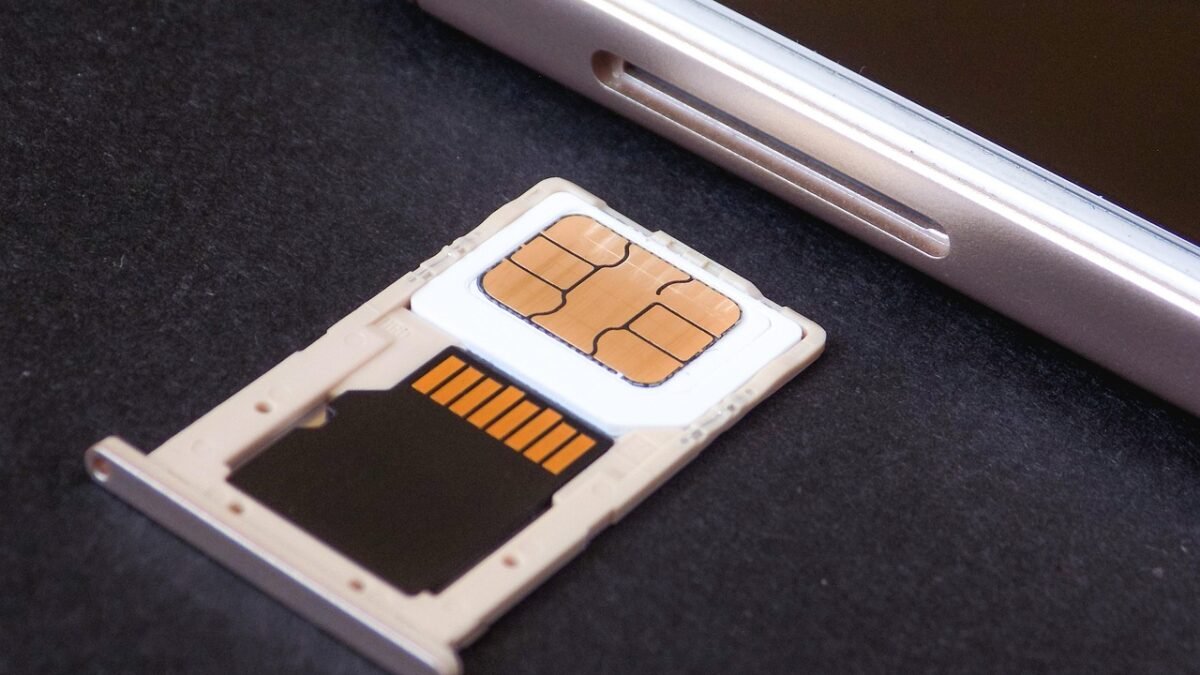
Both do the same job: they tell your carrier which plan and phone number belong to your phone. The difference is where that information lives.
The difference in one table
| eSIM | Physical SIM | |
|---|---|---|
| What it is | A chip inside the phone, set up digitally | A removable card in a tray |
| Getting it | Download from your carrier (QR code, app or carrier activation) | Pick up or receive the card by post |
| Moving to a new phone | Transfer through the phone’s settings or your carrier | Take the card out and put it in |
| Several numbers | Store several plans on one phone | One card per tray slot |
| Can be lost or damaged | No | Yes |
Why you might want an eSIM
- You can switch plans or carriers without waiting for a card.
- You can keep a second number, or add a travel plan abroad, next to your main one.
- Nobody can take the SIM out of a stolen phone.
Why a physical SIM can be easier
- Moving to another phone takes seconds, with no transfer step.
- It works in older and cheaper phones that don’t support eSIM.
- If your phone breaks, you can put the card in a spare phone straight away.
Does my phone support eSIM?
- iPhone: iPhone XS, XS Max, XR and later support eSIM. iPhone 14 and later models sold in the US have no SIM tray at all.
- Google Pixel: Pixel 4 and later support eSIM. Pixel 10, 10 Pro and 10 Pro XL sold in the US work with eSIM only.
- Samsung Galaxy and others: many recent models do. Look for Add eSIM under Settings > Connections > SIM manager.
Not sure which model you have? Our device checker shows it.
Can I use both?
Many phones can use an eSIM and a physical SIM at the same time, each with its own number. You choose which line is used for calls, texts and mobile data in the SIM settings.
Switching to eSIM
Most carriers can turn your physical SIM into an eSIM, through their app or a store. Our guide How to activate an eSIM walks through iPhone, Samsung and Pixel.